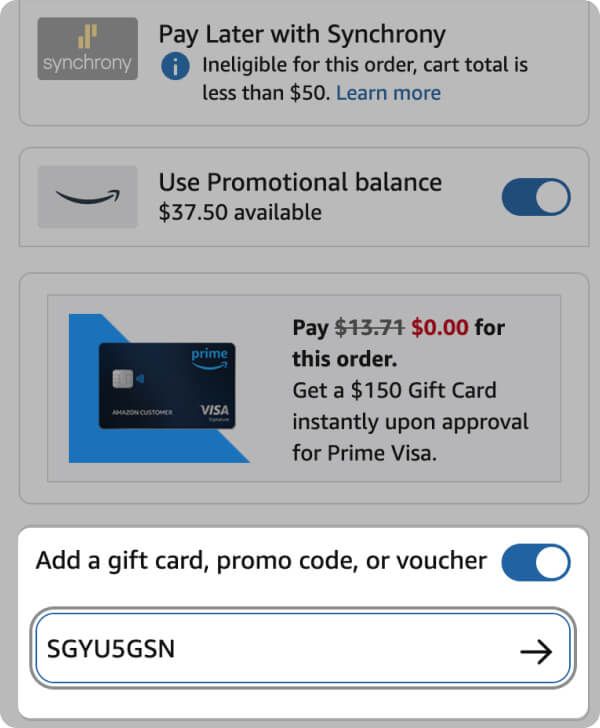
How to use promo codes on Amazon
Easily use Code
😉 Get the hang of promo codes in a snap — it's super easy!
Prefer reading? Scroll down! 👇

Get code from Shopen
Just click "Copy Code". Your code will be copied and you'll be redirected to Amazon.
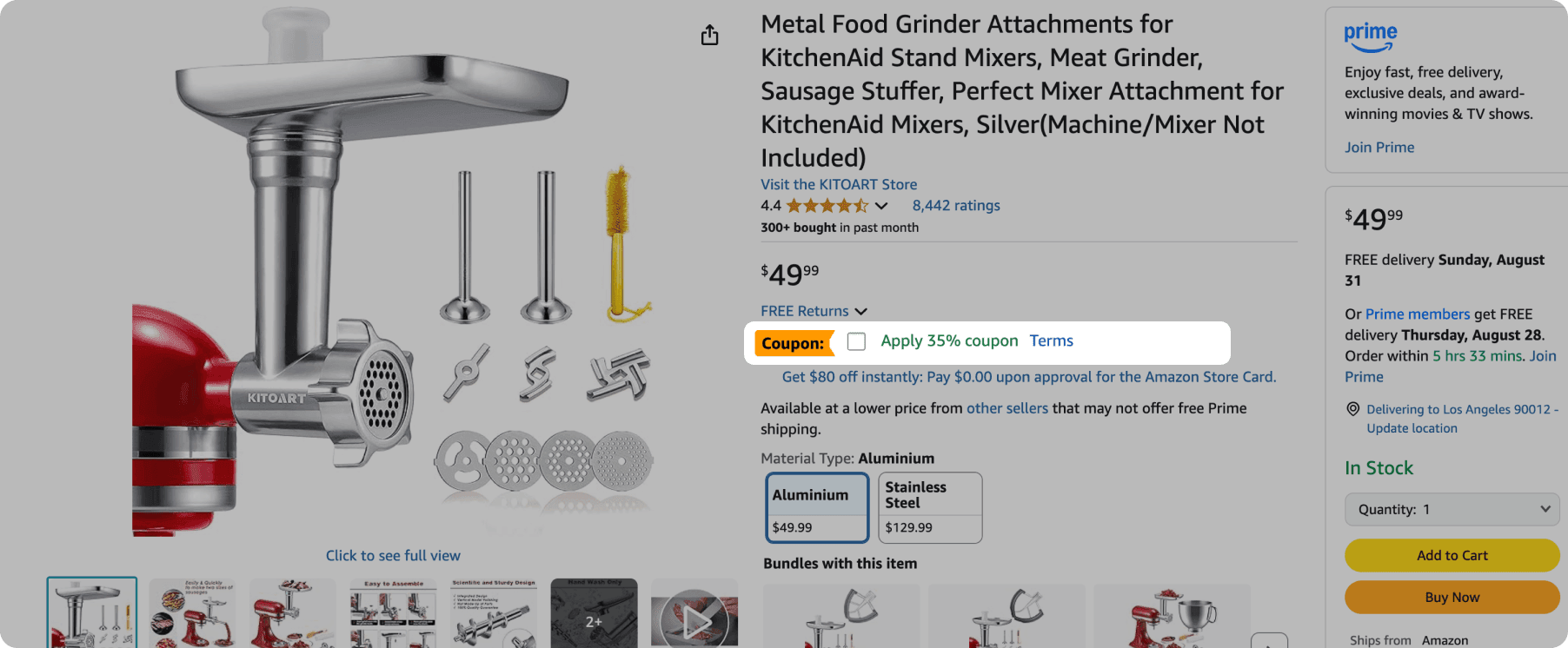

Check in here for extra coupons
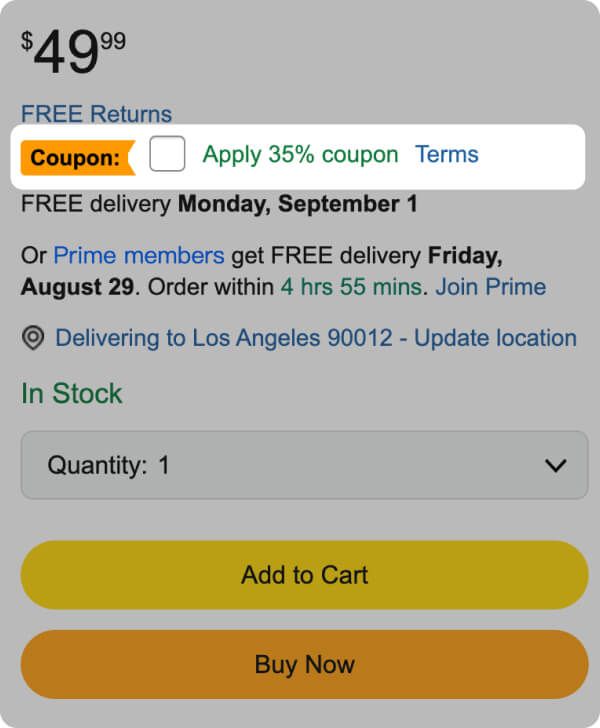
If you see any 'Coupon' option, clip it! The discount will apply automatically.

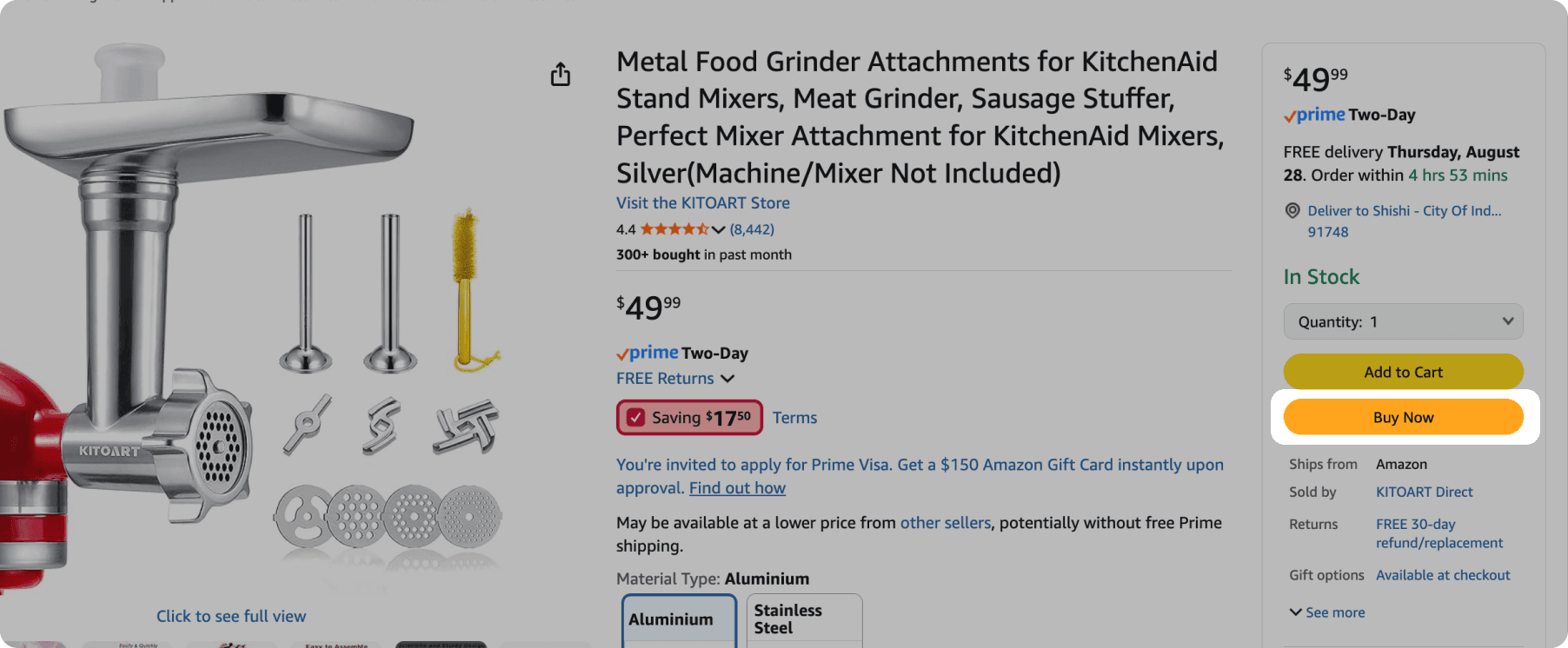
Apply a Promo Code After Clicking "Buy Now"
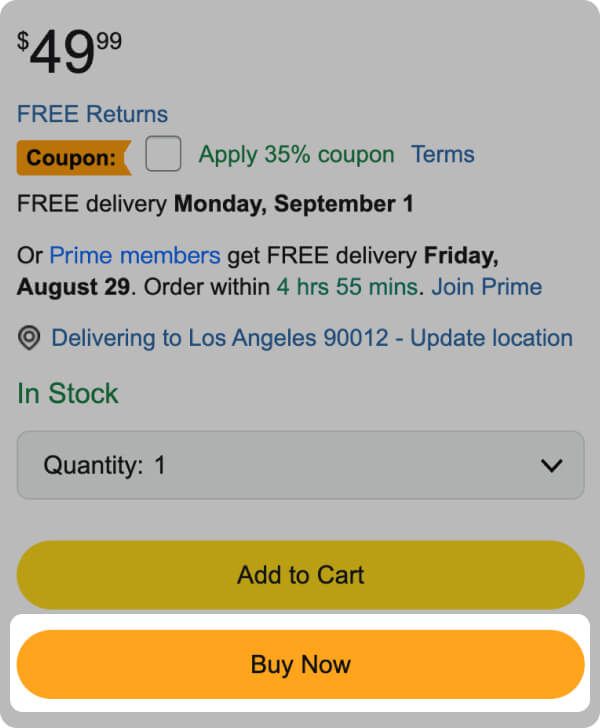
After clicking "Buy Now", a pop-up modal will appear for a faster checkout experience. Click on the "Pay with" section.

Paste your promo code

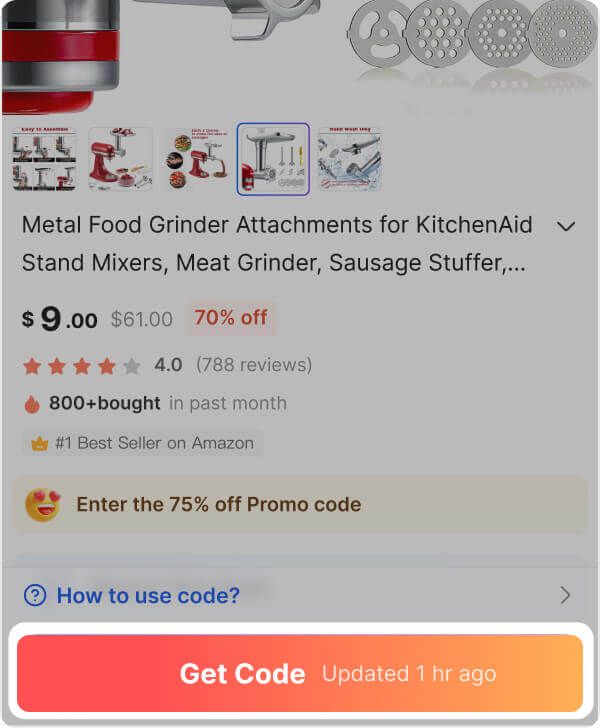
Get code from Shopen
Just click "Copy Code". Your code will be copied and you'll be redirected to Amazon.
Check in here for extra coupons
If you see any 'Coupon' option, clip it! The discount will apply automatically.
Apply a Promo Code After Clicking "Buy Now"
After clicking "Buy Now", Enter checkout page.
Paste your promo code
1. Hey there! You'll spot a field that says "Enter a gift card, voucher, or promotional code" — just Paste your code in there and tap "Apply" to get your discount.
2. Once that's done, click "Use this payment method" to see your updated total with the discount applied. 💰